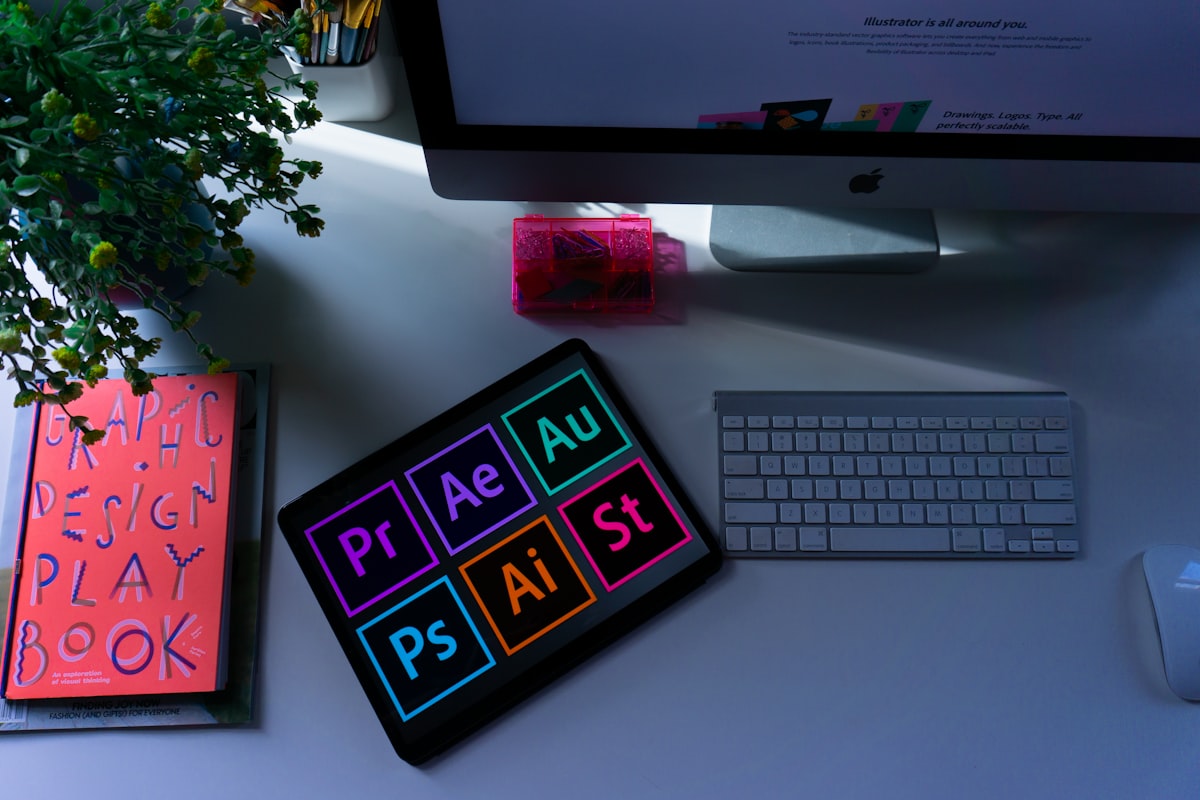
The Best Free Resources to Learn Graphic Design (Books, Courses and Tools)

Learning graphic design

Short answer: you can learn graphic design for free with a mix of free ebooks and classics, free courses, principle guides, and free tools to practice in. The key is to pair theory (design principles) with lots of hands-on practice. Here are the best free resources, grouped by what they teach.

Learn the principles first

Great design rests on a few fundamentals: contrast, alignment, hierarchy, spacing, color and typography. Free primers worth reading:

  • Canva Design School, free, practical lessons on the basics.
  • Free chapters and articles on typography and layout from established design blogs.
  • Public-domain and free ebooks on color theory and composition (search Project Gutenberg and open resources).

Free courses and tutorials

  • YouTube, huge free libraries of design tutorials for every tool and skill level.
  • Free online courses and MOOCs often have free design intro tracks.
  • Tool-maker tutorials (Figma, GIMP, Inkscape) teach both the software and the craft.

Free tools to practice with

ToolUse
FigmaUI and web design (free tier)
InkscapeFree vector/logo design
GIMPFree photo/raster editing
CanvaQuick graphics and templates

Free assets to design with

Use free stock from Unsplash and Pexels, free fonts from Google Fonts, and free icons from open icon sets. You can build a full portfolio piece without spending anything.

The non-obvious tip: copy, then create

The fastest way to learn design is to recreate designs you admire, a poster, an app screen, a logo, pixel for pixel, then figure out why each choice works. This teaches spacing, type and color far faster than tutorials alone. Once you can copy well, start designing your own from the principles you absorbed. Build a small portfolio as you go; finished pieces teach more than endless reading.

Frequently asked questions

How can I learn graphic design for free?

Combine free principle guides (Canva Design School), free YouTube and MOOC courses, and free tools like Figma, Inkscape and GIMP to practice with.

What are the fundamentals of graphic design?

Contrast, alignment, hierarchy, spacing, color and typography. Learning these principles matters more than mastering any single tool.

What free tools can I use to practice design?

Figma for UI, Inkscape for vector and logos, GIMP for photo editing, and Canva for quick graphics, all free, with free assets from Unsplash and Google Fonts.

What is the fastest way to improve at design?

Recreate designs you admire pixel for pixel, then analyze why each choice works, before designing your own from those principles. Build a portfolio as you learn.

Comments

Popular posts from this blog

How to Completely Uninstall Programs on Windows (Free Tools and Tips)

Short answer: you do not need a cracked Revo Uninstaller Pro, because Revo has a capable free version and there are free open-source alternatives that remove programs completely, leftover files and registry entries included. Here is how to uninstall cleanly and why leftovers matter. Why leftovers are a problem Windows' built-in uninstaller often leaves behind folders, registry keys and startup entries. Over time these accumulate, clutter your system, and occasionally cause conflicts when you reinstall software. A dedicated uninstaller sweeps them up. Free tools that remove programs completely Revo Uninstaller Free , uninstalls the program, then scans for and removes leftover files and registry entries. The free version covers what most people need. Bulk Crap Uninstaller , free, open source, and excellent for removing many programs at once and cleaning leftovers. How to uninstall cleanly with Revo Free Open Revo and select the program. Click Uninstall; let the progra...

How to Recover Deleted Files for Free (Better Than a Cracked Tool)

Short answer: you do not need a cracked 7-Data Recovery serial, because excellent free tools like Recuva and PhotoRec recover deleted files, and the most important factor is not the software at all, it is stopping use of the drive immediately. Here is how to recover files the safe, effective way. The one rule that decides success: stop using the drive When you delete a file, the data is not erased, the space is just marked reusable. The moment you keep saving new files, you risk overwriting the deleted data permanently. So the instant you realize something is gone: stop using that drive . Do not install recovery software onto it either, download it to a different drive or USB stick. The best free recovery tools Recuva , free, friendly, great for recovering deleted documents, photos and files from Windows drives and USB sticks. PhotoRec , free and open source, extremely powerful, especially for photos and media, though its interface is basic. Windows File History / backups , ...

How to Transfer Contacts Between Phones the Easy Way (2026)

Short answer: The easiest way to move contacts is to sync them to a cloud account first. Save contacts to your Google account on Android or iCloud on iPhone, then sign in to that same account on the new phone and they appear automatically. For everything else, export a vCard (.vcf) file and import it. Every time I set up a new phone the very first thing I want back is my contacts. Years ago this meant fiddly SIM copies and desktop software. These days I almost never touch a cable. Here are the modern methods I actually use, ranked from easiest to most manual. Method 1: Google account sync (best for Android) If your contacts are saved to your Google account rather than the phone itself, switching Android phones is basically automatic. On the old phone, open Settings > Accounts > Google and confirm Contacts sync is on. Wait a minute for the sync to finish, or tap the three-dot menu and choose Sync now . On the new phone, sign in with the same Google account during setup....